
Photo first
Snap the meal while it is still at the table, then add detail only when it matters.
Quick meal logging
Dishiary makes food journaling fast on iPhone: start with a photo, voice note, or typed note, then keep the editable record.
Save the image, suggested dish, grade, notes, tags, and restaurant context in one private timeline.
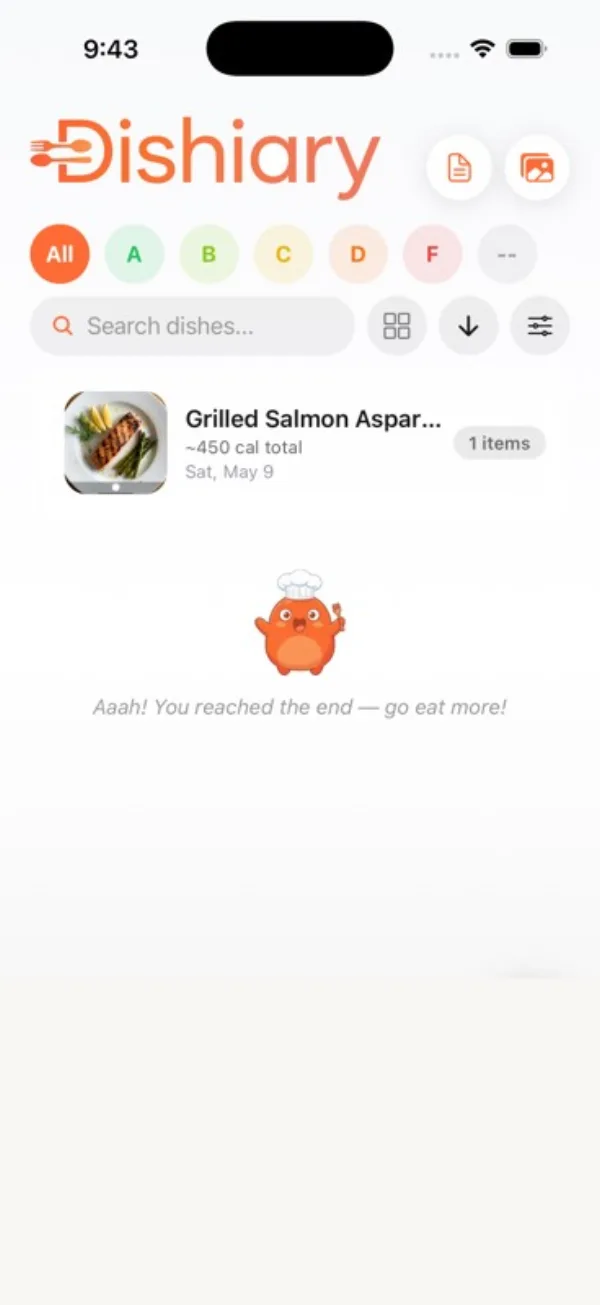
The product model stays simple: meals are records you can edit, search, revisit, and attach to places.
The workflow exists to make logging fast enough to actually happen.
Everything Dishiary drafts is yours to edit: the dish name, the place, the note, the tags. The grade is never suggested — that opinion belongs to you.
If you prefer typing or dictating, the meal journal works exactly the same way without photos, and the whole product stays a food journal without calorie counting.
Yes. Dishiary can use meal photos as a shortcut for creating editable meal records, including the dish name and useful context.
Yes. You can log by typing, voice, or photo, and every saved meal stays editable.
Yes. Suggestions are treated as drafts, so you can edit the dish, grade, note, place, tags, and other details.
Photo, voice, or note. Keep the detail you will actually want later.